A demo video for your Chrome extension.
An extension lives in a corner of the browser, so the demo has to show one job, fast: click, it works, done. Siren makes that video in your brand from your site and one line, no screen recording needed.
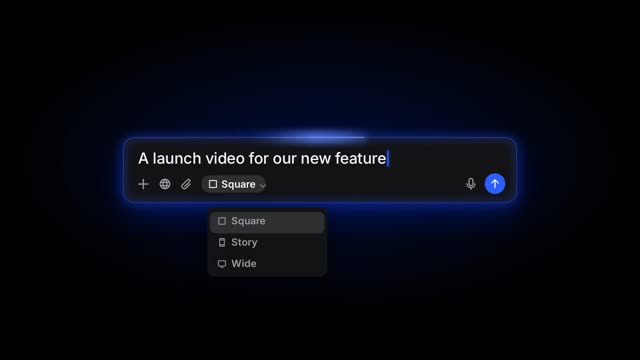
Type something like this
Acme is a Chrome extension that summarises any YouTube video into notes. Show one click on a video page and the notes appearing. Crisp, 15 seconds.
Siren already has your logo, colours and fonts from your site. The prompt is just what the video is about.
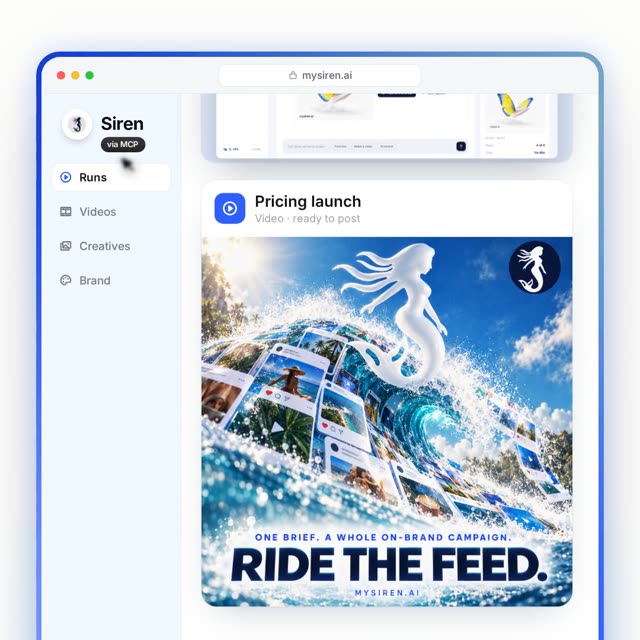
Videos made for this
Each one is a different motion design. Open one to watch it, then make it for your product.
Tips
- One job per video. Make a second video for the second feature.
- Square works best on X and LinkedIn for a small UI.
- Name the trigger (the click, the shortcut) on screen. That is what people remember.
Questions
- Do I need to record my screen?
- No. Siren builds the video from your brand and the words you give it. Add screenshots if you want your real UI in it.
- Can I use it on the Chrome Web Store?
- You can download every video as an MP4 and use it wherever video is allowed. Check the store's current rules for listing media.
- What does it cost?
- $9.99 for one video, or 25 credits on a plan.
Other jobs Siren does
launchA launch video for your SaaS, made from your site.launch dayA Product Hunt launch video that stops the scroll.mobile appA promo video for your mobile app.new featureA video for the feature you just shipped.updatesYour changelog, as a video every week.ai productA demo video for your AI product.ai agentsA launch video for your AI agent.dev toolsA launch video for your developer tool.explainerAn explainer video for your SaaS.pre-launchA coming-soon teaser for your waitlist.pricingA video for a new plan or a price change.milestonesA video for your milestone.
a thousand voices, one signature
A demo video for your Chrome extension.
Paste your site, say what the video is about, and Siren makes it in your brand.