A what's-new video for every update.

Your app updates every month and the store says "bug fixes and improvements". Paste the What's New text and Siren makes a video of the update in your brand, with your own screens, sized for every feed.

One message: show update 3.8

One update, made for every place it shows

Siren makes the App Store screenshots and the post for each channel from the same What's New. The listing is for Studyline, a sample app; the posts are Siren's own sets from Studio.

Search
StudylineStudy with a planGet
2.1K Ratings4.8Ages4+YearsChart#12EducationDeveloperStudyline
What's NewVersion HistoryVersion 3.8 · 2d ago

Mock exams now adapt to your score. Reminders wait for your study window.

Preview
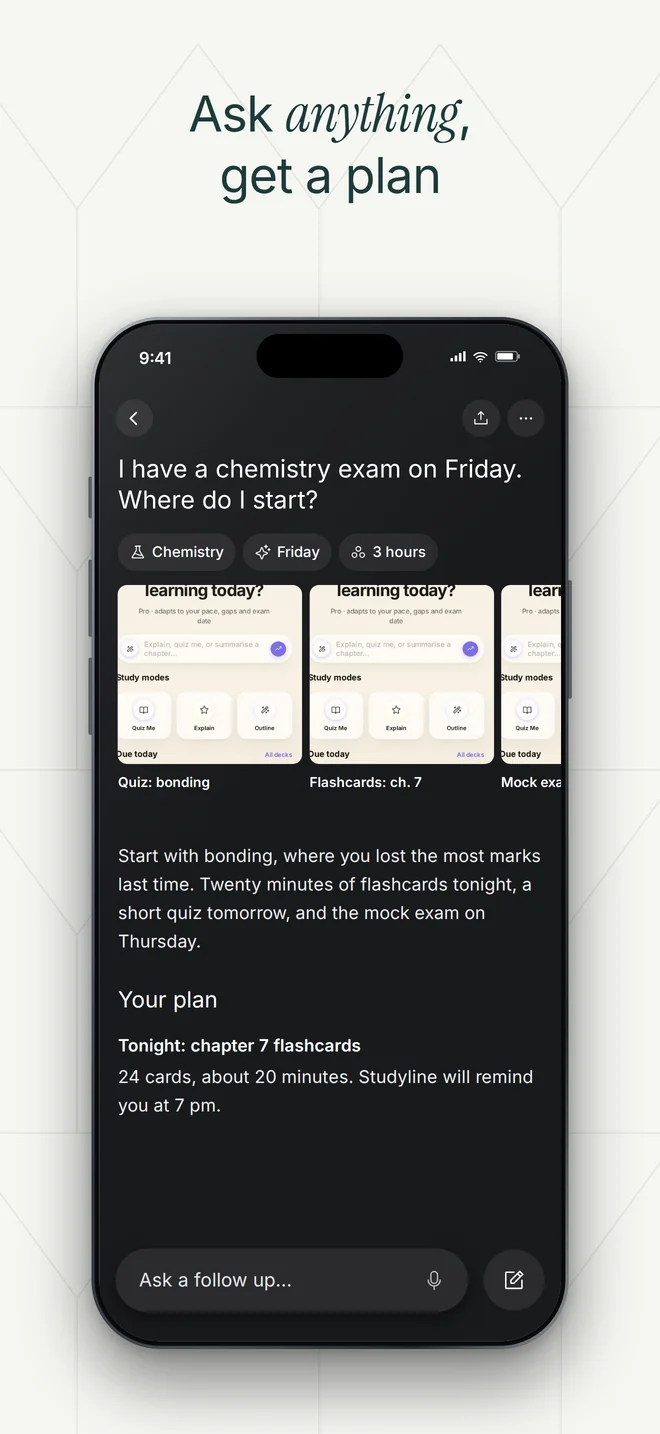
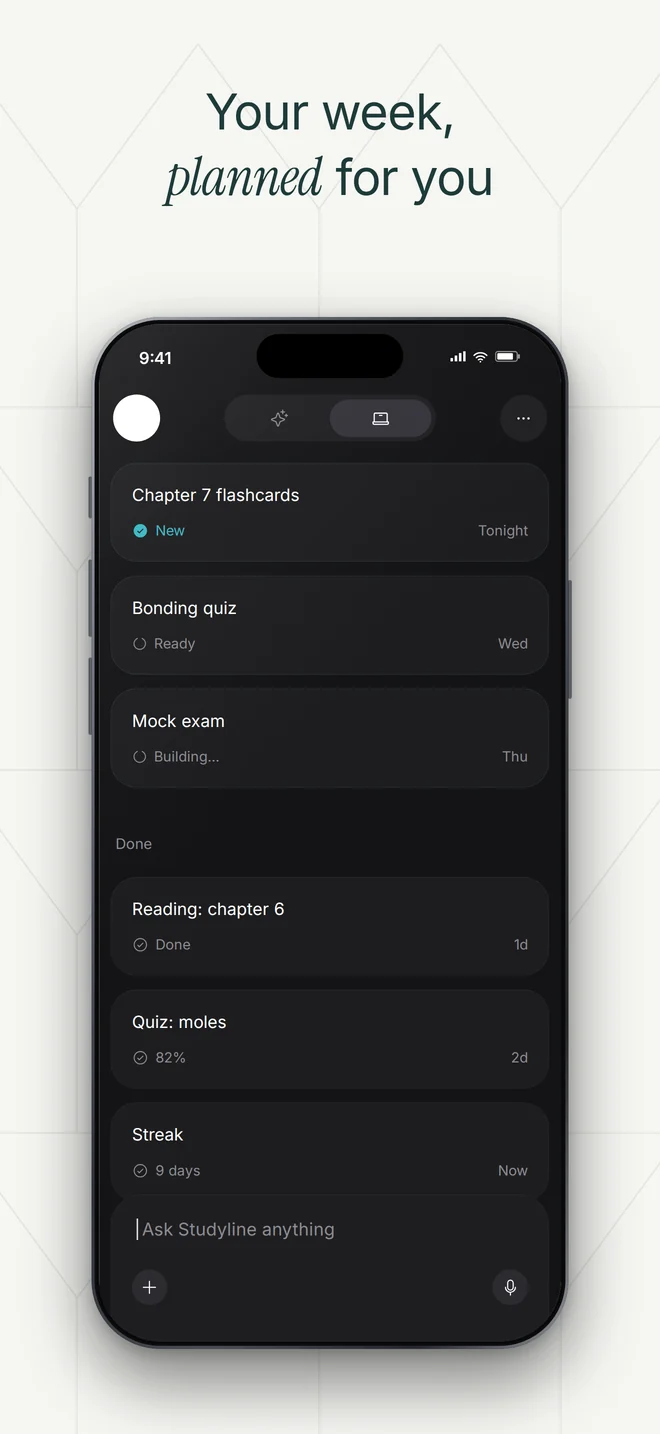
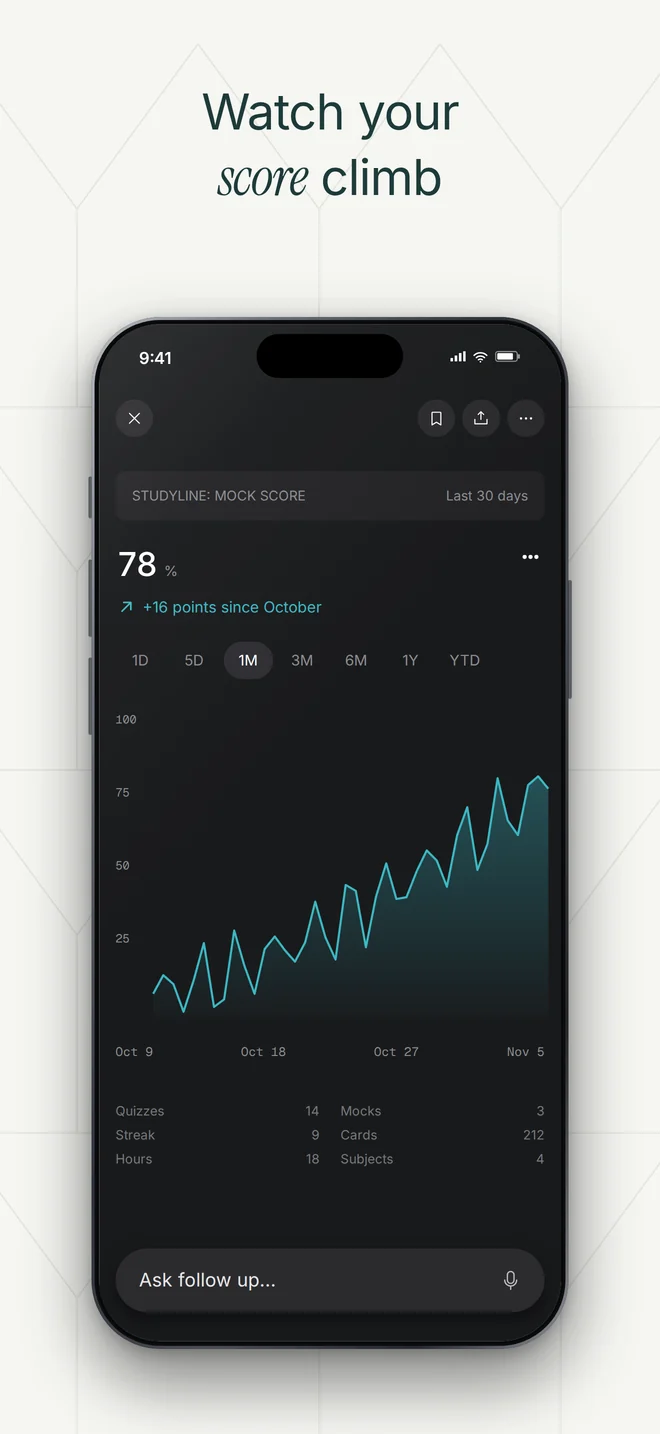
Studyline App Store screenshot: Study with a planStudyline App Store screenshot: Ask anything, get a planStudyline App Store screenshot: Your week, planned for youStudyline App Store screenshot: Watch your score climb
The App Store listing
Siren @mysirenai · 2h

New in Studio: App Store screenshot sets in your brand. Pick a look, add your screens, get the whole set.

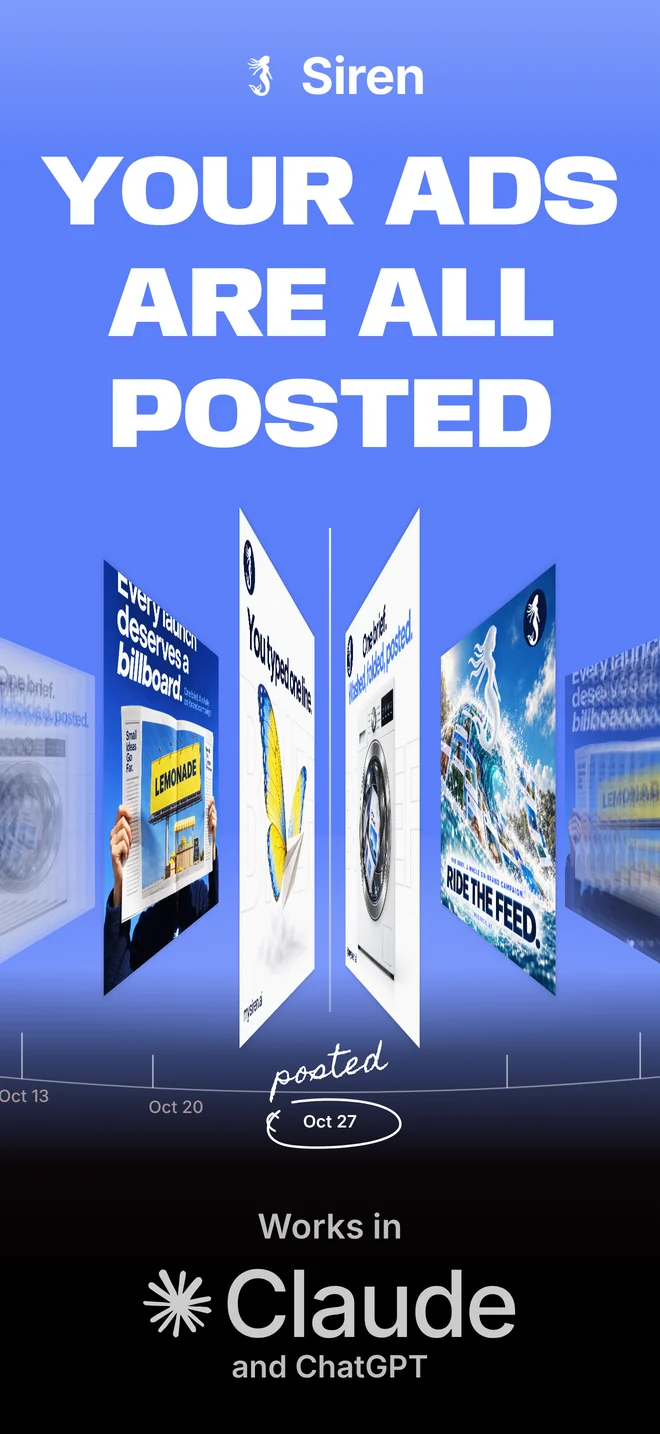
Siren App Store screenshot, Bump lookSiren App Store screenshot, Sway look
124831021K
The set on X
mysirenai
Siren App Store screenshot, Coast look
1,204 likes

mysirenai Five looks, one app. Every set made in Studio from the same What's New.

And on Instagram

Five looks from Studio

App Store screenshot in the Coast look
Coast
App Store screenshot in the Pure look
Pure
App Store screenshot in the Bump look
Bump
App Store screenshot in the Sway look
Sway
App Store screenshot in the Posted look
Posted

A month on Pro

  • Up to 12 update videos a month, or 30 ad creatives, or any mix (300 credits on Pro)
  • Your own app screens, in a real phone
  • 9:16, 4:5, square and wide cuts
  • Your icon, colours and fonts, read from your site once
  • You approve every post, or turn on auto-post and Siren posts on time

Tell it what's new. That's the brief.

This is the chat you get in the app. Tap a message, or type your own, and see what comes back.

Siren

Your app and its screens are in. What's new this version?

How it works

  1. 1Paste your site

    Siren reads your icon, colours, fonts and what your app does.

  2. 2Add your screens and the update

    Upload a few app screens once, then paste the What's New text for this version.

  3. 3Approve it

    See the video and the post. Post it now, schedule it, or ask for another.

Questions

Do I need a designer?
No. Siren uses your icon, colours, fonts and the screens you upload.
What if the update is only fixes?
Say what got better for the person using it. Faster sync or fewer crashes is a story too.
Where does it post?
To the channels you connect. You can also download the files and post them yourself.
What if I need more than 12 update videos?
Buy a credit pack, or move to Scale. Each video is 25 credits on every plan.
Can I stop?
Yes. Cancel in billing whenever you like. There is no contract.

a thousand voices, one signature

Your next update, noticed.

Paste your site and your last What's New, and Siren makes the video in your brand.

© 2026 Siren Ai, Inc.